For restaurants moving from printed menus to digital experiences, the choice often comes down to two familiar technologies: NFC and QR codes.
Both can connect a physical touchpoint—such as a table, counter display, receipt, or review card—to a digital destination. A QR code uses a visual pattern that a smartphone camera can scan. NFC relies on a contactless chip that a compatible smartphone can read when brought close to the tag. Either technology can open a mobile menu, ordering page, reservation system, loyalty program, or review link.
For most restaurants, QR codes remain the easier option for low-cost, highly visible deployment. NFC becomes more attractive for fixed table touchpoints, review cards, and physical interfaces designed around a tap. In many cases, the two technologies work best together rather than as alternatives.
The right choice depends on more than the technology itself. Cost, smartphone compatibility, maintenance, physical placement, deployment scale, and the action that follows the interaction all need to be considered.
The technical difference is straightforward. A QR code stores information in a visual pattern. The customer opens the camera, points the phone at the code, recognizes the link, and opens the destination. An NFC tag stores digital information in a chip and communicates over a short range when a compatible smartphone is brought close to it.
NFC operates at 13.56 MHz. Common NFC Forum Type 2 Tag ICs such as NXP NTAG213, NTAG215, and NTAG216 are designed for applications including URL sharing. NTAG213 provides 144 bytes of user memory, while NTAG215 and NTAG216 provide 504 bytes and 888 bytes, respectively. For a restaurant tag storing a compact URL, NTAG213 is often sufficient. Larger-memory variants make more sense when an application needs to store additional NDEF data.
The difference is more noticeable in the customer experience.
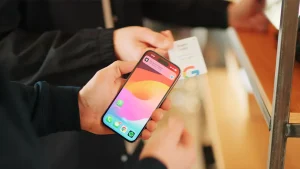
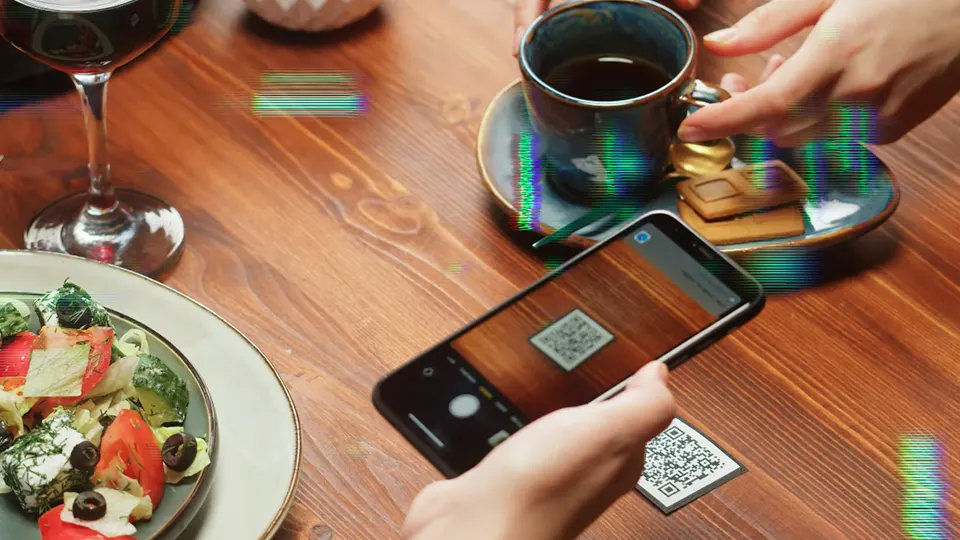
A QR menu requires the customer to access the camera, position the phone correctly, recognize the code, and open the link. NFC reduces the physical interaction to bringing the phone close to the tag.
Neither technology, however, can compensate for a poor digital experience. A menu that loads slowly, hides prices, opens an awkward PDF, or forces customers to register unnecessarily can create friction regardless of whether the customer scanned a QR code or tapped an NFC tag.
The access method should therefore be evaluated together with the mobile experience behind it.
QR codes have one advantage that is difficult to overlook: they are inexpensive, familiar, and easy to reproduce.
A restaurant can place the same QR destination on table tents, printed menus, windows, takeaway packaging, receipts, posters, counter displays, and promotional materials. There is no NFC chip to embed, encode, or install.
That makes QR particularly attractive when a large number of access points are required. A restaurant group with 500 or 1,000 printed touchpoints can reproduce the same QR code using standard printing. The additional cost of adding another code can be minimal.
Customer familiarity matters too. Most smartphone users already know what a QR code is and how to scan one. A simple instruction such as “Scan to View Menu” requires little explanation.
QR codes also work well beyond the dining table. A takeaway box can carry one. So can a receipt, loyalty card, storefront poster, or printed flyer. The code remains accessible even when the customer is no longer sitting at the table.
For restaurants prioritizing low hardware costs, broad physical distribution, visible instructions, and straightforward deployment, QR remains a highly practical option.
NFC becomes more compelling when the restaurant controls a fixed physical environment and wants the digital interaction to happen at a specific point.
The dining table is a natural example. An NFC tag can be attached to the table, embedded in a card, or integrated into a tabletop display. The customer simply brings a compatible smartphone close to the NFC point to access the designated digital destination.
This approach works particularly well for NFC restaurant menus, table ordering, and review cards. After a meal, for example, a customer can tap a review card and go directly to the designated review page. The same setup can support reservations, loyalty registration, or a digital menu.
NFC can also work with dynamic URL structures. A tag might store a stable URL such as `restaurant.com/t/S03-T12`, while the backend determines which content should be displayed. The restaurant can then change the menu, ordering provider, or landing page without rewriting every physical tag.
That separation is valuable in long-term deployments. The NFC tag stays on the table while the digital experience behind it can change.
NFC also allows physical objects to become deliberate digital touchpoints. A menu cover, review card, countertop sign, coaster, or table marker can contain an NFC tag without requiring a large visible code.
For restaurants looking for tap-based interactions, permanent table installations, embedded hardware, or individually identifiable touchpoints, NFC has a clear advantage.
The cost difference between NFC and QR can become significant in larger deployments.
A QR code can be generated digitally and reproduced through standard printing. NFC requires a physical tag or card, an NFC IC, antenna construction, encoding, testing, and installation. The final cost depends on factors such as tag format, material, chip, order volume, printing method, and application requirements.
NFC therefore makes the most sense when the physical touchpoint delivers enough operational or customer-experience value to justify the additional hardware.
Compatibility is another consideration. QR codes can be scanned using a smartphone camera, making them broadly accessible. NFC depends on a compatible NFC-enabled smartphone and operating-system support for the intended interaction. NFC support is widespread in modern smartphones, but restaurants should still account for customers using older or incompatible devices.
This is where combining NFC and QR can be useful. Customers who prefer tapping can use NFC, while others can scan the visible QR code. Both can lead to the same menu, ordering page, or other digital destination.
Maintenance requirements are different as well.
A printed QR code can remain usable as long as the surface stays readable and the destination remains valid. An NFC tag has a physical component that can be damaged by repeated cleaning, moisture, abrasion, heat, unsuitable adhesives, or rough handling.
NXP specifies 100,000 write cycles and 10 years of data retention for NTAG213, NTAG215, and NTAG216 under specified conditions. These figures apply to the NFC IC rather than the finished restaurant product. Actual service life depends on the tag construction and the environment in which it is installed.
For that reason, restaurants should look at total operating cost rather than comparing the price of a QR code with the price of an NFC tag alone.
The decision becomes more complex when a restaurant operates dozens or hundreds of tables across multiple locations.
Consider a restaurant group with 20 locations and 30 tables per location. That is 600 tables. If each table receives one NFC touchpoint, the deployment already involves 600 physical NFC points. Two touchpoints per table would bring the total to 1,200 tags.
At that scale, tag management becomes part of the implementation.
Each NFC touchpoint should have a defined relationship between the restaurant, location, table, tag, and digital destination. A structure such as **Store ID → Table ID → NFC Tag ID → URL** helps prevent Table 01 at one location from being confused with Table 01 at another.
The same approach can be applied to QR codes when table-level tracking is required. Different URLs can be assigned to individual tables, allowing menu visits or ordering activity to be associated with a specific physical location.
NFC can be particularly useful here because the physical tag can remain tied to a stable digital identity. If the tag at Table 12 is damaged, a replacement can inherit the same table record and destination structure.
As deployments grow, encoding and quality control become increasingly important. Restaurant groups managing hundreds of NFC tags should maintain records for chip type, encoded URL, table assignment, installation status, and replacement history.
QR deployment is generally simpler at the physical level because printing and reproduction are straightforward. NFC requires more attention to tag inventory, encoding, testing, installation, and replacement.
The intended customer action should drive the choice of access technology.
For digital menus, QR is highly practical when visibility and low cost are the priorities. NFC works well when the restaurant wants a dedicated table touchpoint and a simple tap-based interaction.
For table ordering, both technologies can open the same ordering platform. NFC removes several physical steps before the page opens, while QR offers a familiar scanning process.
For Google Reviews, either option can send customers directly to a review page. NFC works particularly well on dedicated review cards or countertop displays, while QR is easy to add to receipts, printed cards, and packaging.
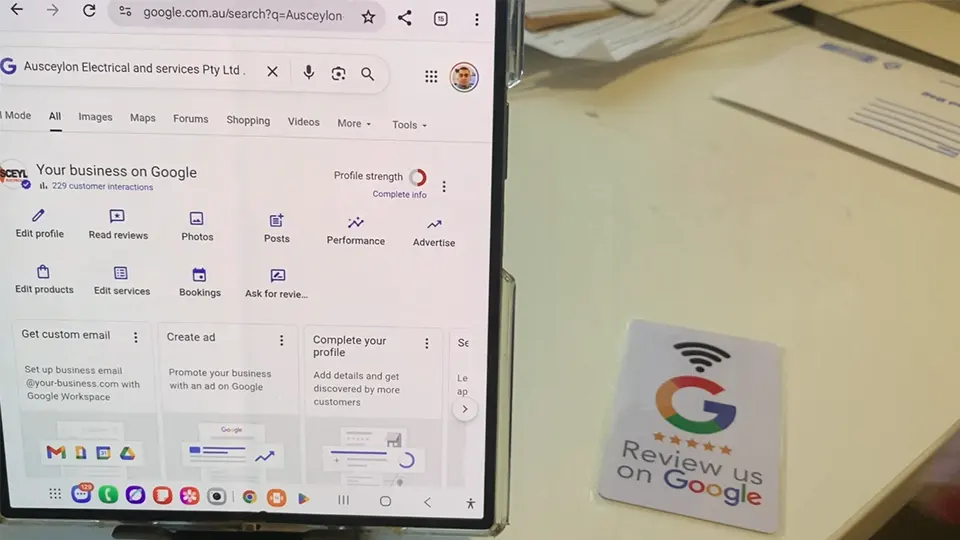
For takeaway packaging, QR generally has the advantage because it can be printed directly onto boxes, bags, labels, and receipts.
For permanent table installations, NFC becomes more attractive because the physical tag can remain in place while its digital destination is managed online.
The physical environment matters too. A customer standing several meters from a storefront can easily recognize and scan a visible QR code. A customer already seated at a table can interact naturally with an NFC tag positioned within reach.
The better question is therefore not which technology is universally superior, but which interaction fits the customer journey.
For many restaurants, the strongest setup is not NFC versus QR, but NFC plus QR.
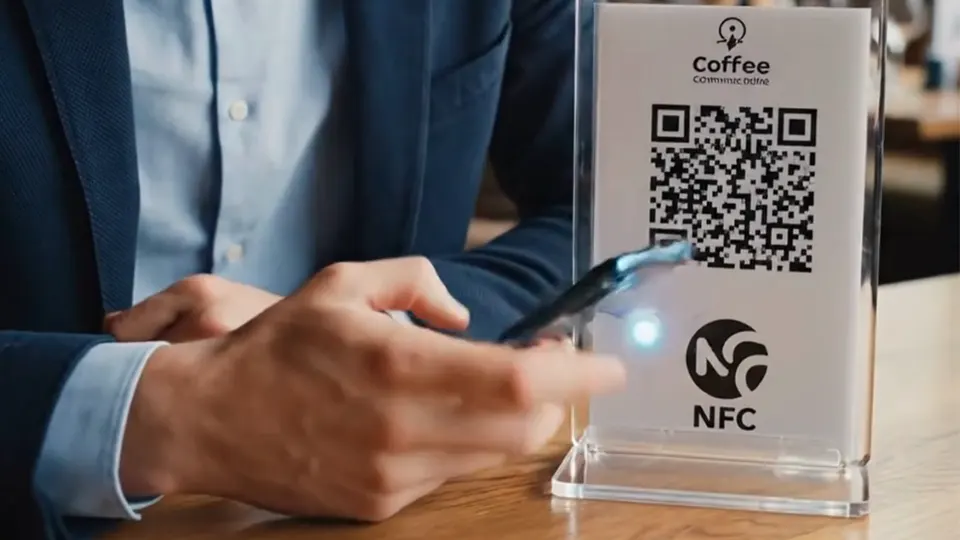
A tabletop card can contain an NFC tag and a QR code pointing to the same mobile destination. The QR code provides immediate visual recognition and broad accessibility. NFC offers a tap-based alternative for customers who prefer a faster, more direct interaction.
The same combination can support menus, ordering, reviews, reservations, and loyalty programs.
It also gives restaurants more flexibility in physical design. The NFC component can remain discreet while the QR code provides a visible fallback. Customers without NFC can still access the digital experience, while those who prefer tapping have another option.
NFC vs. QR code is therefore not always a replacement decision. It is an interaction-design decision.
The most suitable approach depends on the physical touchpoint, customer behavior, deployment scale, budget, maintenance requirements, and digital service behind the interaction.
QR remains highly effective for broad, low-cost distribution. NFC has a strong role in fixed table environments, digital menu cards, review cards, and other physical touchpoints where tapping creates a smoother interaction. When both technologies lead to the same well-designed mobile experience, restaurants can benefit from the strengths of each without forcing customers into a single access method.
The interaction may start with a tap or a scan. The real value comes from what happens next: viewing the menu, placing an order, making a reservation, leaving a review, joining a loyalty program, or returning for the next visit.